The Neutral Wire Nobody Mentioned: Smart Lighting Without the Guesswork
Smart lighting has a brilliant sales pitch: screw in a bulb, download an app, and your living room joins the twenty-first century. And often that's exactly how it goes. But in plenty of British homes the upgrade stalls somewhere between the unboxing and the app pairing, and the reason is rarely the bulb. It's the fifty-year-old wiring sitting quietly behind the switch.
This isn't a scare story. It's just a list of things worth knowing before you spend £120 on bulbs and then discover you need a spark.
Start at the switch, not the bulb
The single biggest source of smart-lighting disappointment in UK homes is a mismatch between what the new hardware expects and what the old circuit provides.
Smart bulbs want a permanent, uninterrupted 230V supply. Smart switches want to sit in the place of your existing switch and take over the switching. Those are two different jobs, and mixing them up causes most of the weird behaviour people describe as "the bulb is faulty".
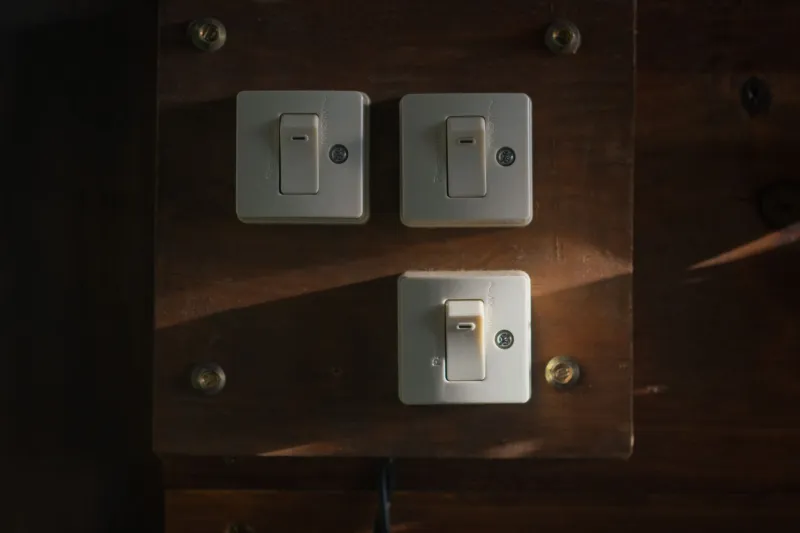
If you fit smart bulbs, the wall switch behind them needs to stay on permanently — which means either a blanking plate, a switch guard, or a smart switch that behaves like a scene controller rather than a power cutter. If someone flicks the old dimmer down out of habit, the bulb drops off the network and you'll spend an evening re-pairing it.
The neutral question, in plain English
Older UK lighting circuits are usually wired loop-in at the ceiling rose. That means the neutral arrives at the ceiling fitting and never travels down to the switch — the switch drop typically carries only a permanent live and a switched live.
Plenty of smart switch modules sold online need a neutral at the switch position. Without one, they either refuse to work or resort to a trickle of current through the lamp to keep their electronics alive. That trickle through a 4W LED is enough to make it glow faintly in the dark, or flash every few seconds. It looks like a fault. It's actually physics.
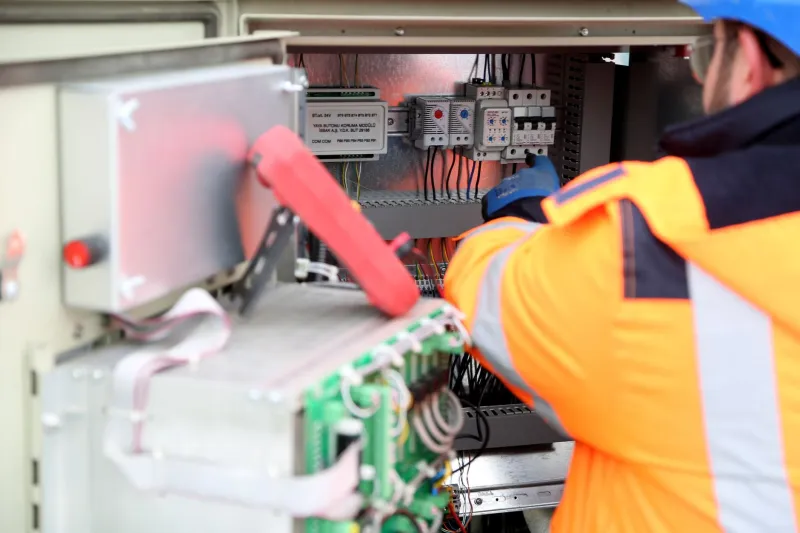
Before you buy anything, take the switch plate off (power off at the consumer unit first, and prove dead with a tester) and count what's actually there. Two cores plus earth, or three plus earth? That answer decides which products are even candidates.
Leading edge, trailing edge, and the buzz
Dimmers are the second big trap. Most older dimmer switches are leading-edge (triac) designs, built for the resistive load of a filament lamp. LED drivers are capacitive and electronic, and they don't get along with that waveform. The results: an audible buzz, flicker at low brightness, a limited usable range, or a lamp that simply won't strike.
Trailing-edge dimmers are far kinder to LEDs. But even then, check two numbers on the box:
- Minimum load. Many dimmers specify 10W or 25W minimum. A single 5W smart LED drops below that and the dimmer misbehaves.
- Maximum load per gang. A four-gang plate may be rated lower per gang than the headline figure suggests, so twelve downlights on one switch can push past it.
If your kit needs a specific dimmer, buy that dimmer. It's cheaper than replacing bulbs twice.
The symptom decoder
- Buzz from the switch plate — dimmer struggling with the load, or a lamp driver with a loose choke. Usually the dimmer.
- Flicker at low levels only — classic minimum-load or leading-edge issue.
- Glow or occasional flash when 'off' — leakage through a neutral-less smart switch, or induced voltage on long switch drops.
- Works on the app, not on the wall switch — you've fitted a smart bulb behind a conventional dimmer and defeated the whole point.
- One lamp dead in a row of six — check the lamp first. It happens.
Don't forget the 12V legacy
If you've got MR16 halogen spots in a bathroom or kitchen ceiling, there's a transformer or driver up there too. Electronic transformers designed for halogens often won't fire a 12V LED replacement, or they'll make it flicker and die early. The fix is a proper LED driver matched to the lamp's constant-current rating — and that's a job inside a ceiling void, not a bulb swap.
Where a qualified electrician earns their fee
Some of this is genuinely DIY-friendly: changing a bulb, swapping a like-for-like pendant, fitting a plug-in lamp. But call someone in if any of the following applies:
- There's no neutral at the switch and you want a neutral-requiring smart switch fitted.
- The circuit has no earth at the switch position or at a metal fitting.
- You want to add a new lighting point, extend a circuit, or split a room onto its own switch.
- The existing wiring shows heat discolouration, scorched insulation, or a back box crammed so tight nothing else will fit.
- You've got two-way switching to preserve — hallway and landing, for example — and the smart module doesn't obviously support it.
In England and Wales, replacing an accessory like a switch or a light fitting isn't notifiable under Part P, but adding a new circuit is. Either way, all work has to comply with BS 7671, and a Minor Electrical Installation Works Certificate is your paper trail if you ever sell the place.
A sensible order of operations
Check the switch wiring before buying. Read the dimmer's minimum load before buying. Decide whether you're doing bulb-control or switch-control, not both. Buy from brands with UK support and clear compatibility tables. Then fit one room, live with it for a week, and only then roll it out to the rest of the house.
The smart part of smart lighting isn't the app. It's the planning you do before the box arrives — and the honest moment where you decide whether to reach for a screwdriver or a phone.